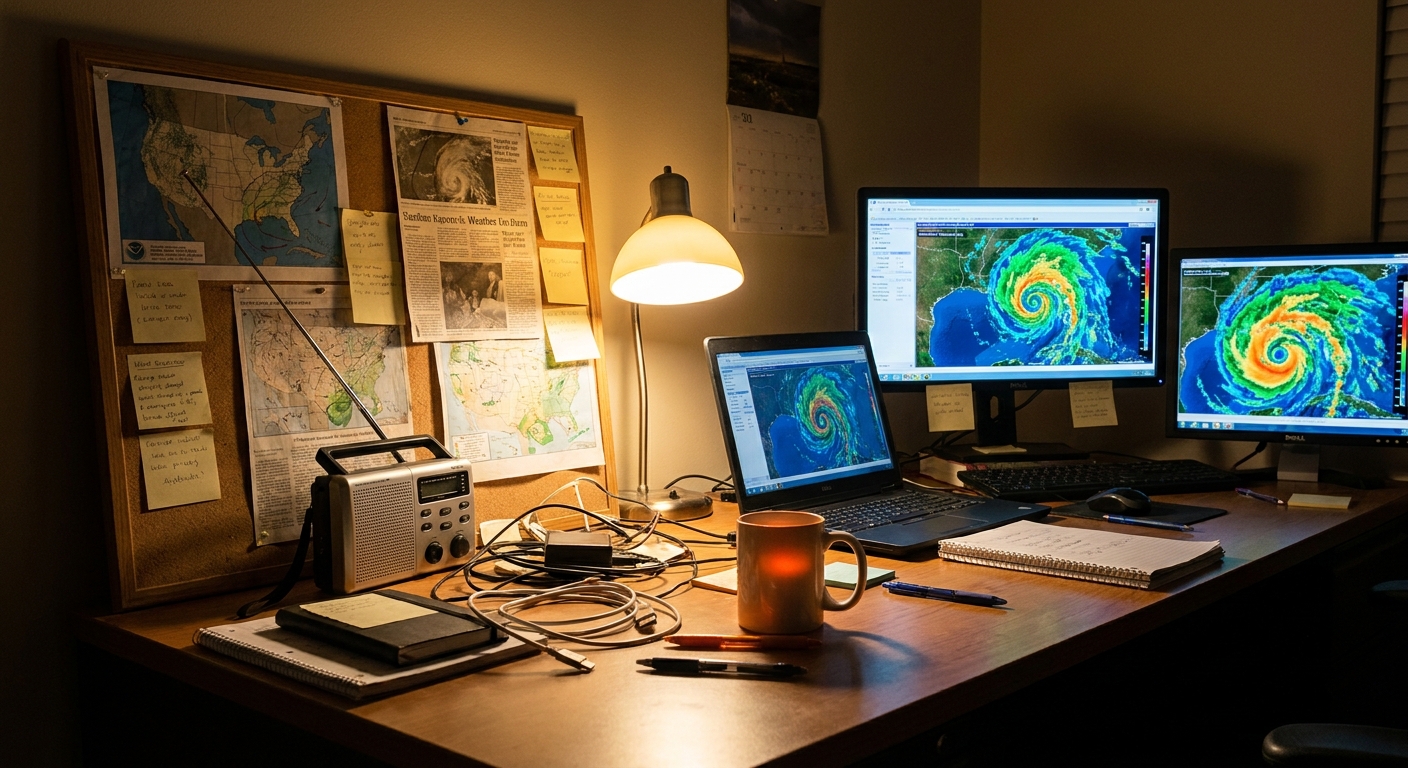
The first time I realized my living room looked like a mini hurricane center, I laughed—three screens glowing with satellite loops, radar, and model runs, notebooks piled with hand-drawn tracks.
Turn Your Desk into a Hurricane Ops Room
But when a major hurricane set its sights on the coast, that “nerd cave” became an operations room. Friends and family called, asking where it would hit, how bad it might be, whether they should get out.
You don’t need a government supercomputer to track hurricanes like a pro. With the right tools and mindset, you can build a storm chaser’s command center right at home.
Here’s how to set it up, what to watch, and how to stay thrilled by the data without being blinded to the risks.
Step 1: Core Data Streams – Your Hurricane Lifeblood
Set up reliable access to four essential data types:
1. Official Forecasts
- National Hurricane Center (NHC): The authoritative track, intensity, and hazard forecasts.
- Key products:
- Forecast/advisory
- Cone of uncertainty graphic
- Discussion (where the real nuance lives)
- Key messages (a great quick summary)
Bookmark the NHC home page and the tropical cyclone page for your basin.
2. Satellite Imagery
Use high-quality, near-real-time feeds:
- GOES-East/West imagery for the Atlantic and Pacific.
- Products to watch:
- Visible (daytime structure, low-level spin)
- Infrared (cold cloud tops, nighttime viewing)
- Water vapor (mid/upper-level moisture and dry air)
3. Radar
Once the storm nears land:
- National radar mosaics for big-picture structure.
- Individual coastal radars (NEXRAD/WSR-88D) for detailed eyewall and rainband views.
4. Surface and Recon Data
- Reconnaissance data (if planes are flying): Vortex messages, dropsondes.
- Surface stations & buoys: Wind, pressure, and wave height.
Think of these as your four camera angles on the same unfolding drama.
Step 2: Hardware Layout – A Chaser’s Desk on a Budget
You don’t need a wall of screens—but multiple views help.
Ideal Setup
- Primary Monitor/Laptop: Official NHC page + model plots.
- Secondary Screen/Tablet: Satellite imagery loops.
- Third Screen/Phone: Radar app and alerts.
If you only have one screen:
- Use tab groups or split-screen mode.
- Keep NHC + radar in one group, satellite + models in another.
Backup Power and Connectivity
Hurricanes knock out what you need most:
- Battery packs and a fully charged laptop.
- If possible, a mobile hotspot or secondary data source.
- Offline maps downloaded ahead of time.
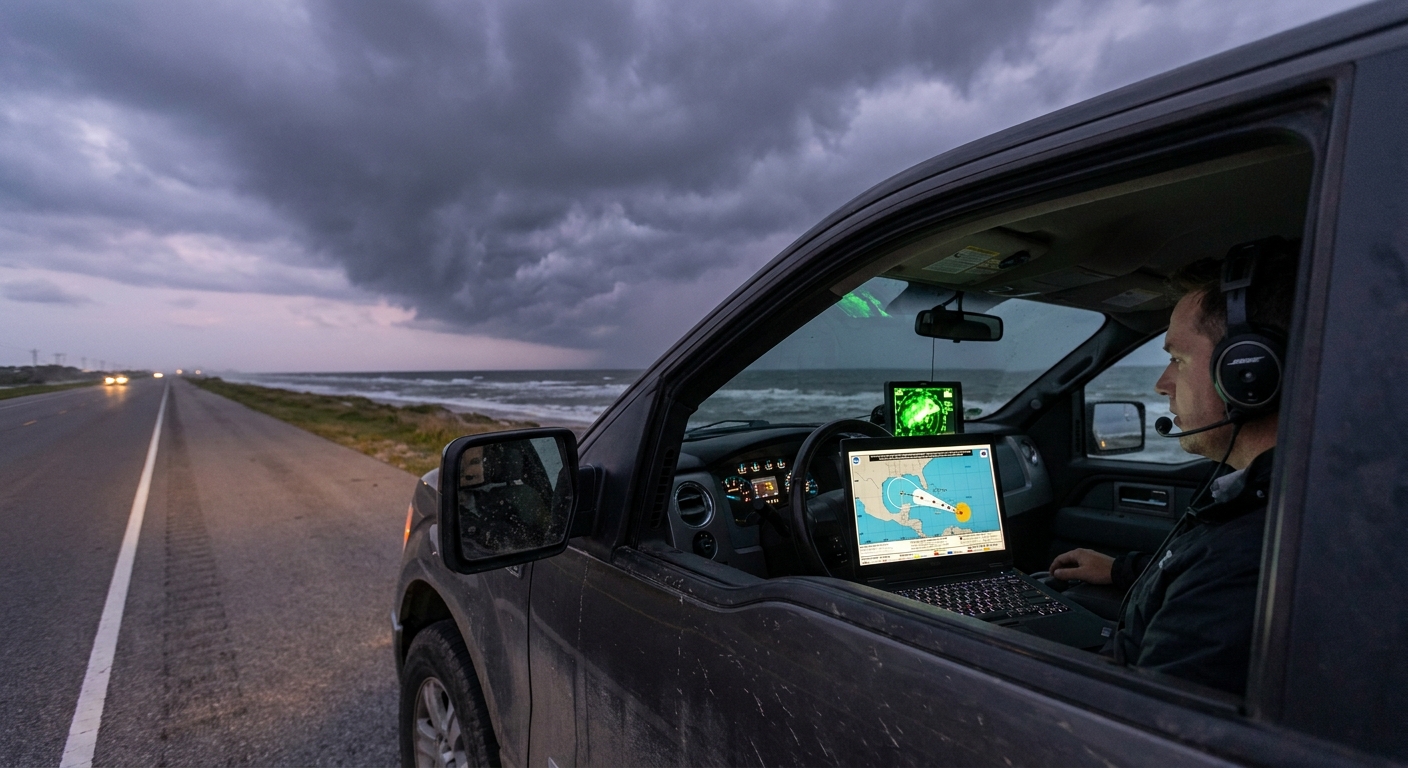
Even on chases, I consider my power situation as seriously as my route plan.
Step 3: Software & Sites – The Storm Chaser’s Shortlist
Here’s a tight list of tools I keep open during active storms:
Official and Analysis
- NHC tropical cyclone pages (advisories, cone, discussion).
- Regional weather service offices for local watches, warnings, and briefings.
Satellite
- GOES imagery viewer with IR, visible, and water vapor loops.
- Tropical sector views centered on your storm.
Models & Ensembles
- Global model ensembles (GEFS, ECMWF ensembles) for spaghetti plots.
- Intensity guidance graphics (SHIPS, HAFS, etc.).
Radar
- National radar mosaic.
- Single-site coastal radar in high detail once within range.
Pick a set you trust and learn it deeply instead of jumping between a dozen half-understood sites.
Step 4: Building Your Tracking Ritual – What to Check, and When
Storm chasers live on rhythms: model cycles, advisory times, radar scans. You can do a scaled-down version:
Daily During Hurricane Season (Quiet Periods)
- Quick scan of the tropical outlook: any invests or areas of interest?
- Check sea surface temperature anomalies and Saharan dust if you’re a hardcore enthusiast.
When a Disturbance Appears
- Read the Tropical Weather Outlook: development probabilities (2-day and 7-day).
Look at satellite loops: is convection persistent and organized?
3. Check environmental conditions: shear, SST, moisture.
When a Named Storm Forms
Each advisory cycle (usually every 6 hours):
- Update from the NHC forecast and cone.
- Read the discussion for model preferences and uncertainty.
- Scan ensemble track plots for spread and trends.
- Watch satellite structure: core organization, symmetry, eye hints.
Within 48 Hours of Possible Impact
- Follow local forecasts and emergency management updates closely.
- Track radar as the storm enters range.
- Monitor recon data for surprises (rapid intensification, track wobbles).
Your ritual is your edge. It keeps you a cycle or two ahead of the casual observers.
Step 5: Interpreting the Data Like a Chaser
Now the fun (and responsibility) really begins.
Cones and Tracks
- Remember the cone shows center track uncertainty, not impact size.
- Impacts (wind, surge, rain) extend well outside the cone.
- Watch trend shifts over multiple advisories rather than overreacting to one.
Ensembles (Spaghetti Plots)
- Tight cluster = higher confidence.
- Wide spread = big uncertainty; prepare over a larger area.
- Look for consistent shifts across model runs.
Intensity Guidance
- Don’t lock onto a single line; use the envelope of possibilities.
- Watch for flags of rapid intensification from environment and models.
Satellite and Radar
- Satellite: how healthy is the core? Symmetry, eye, outflow.
- Radar: rainbands, eyewall structure, possible tornado signatures inland.
This is where your fascinated side is fully engaged—but don’t let that fascination drag you into underestimating the risk.
Step 6: Safety Protocols – The Command Center is Not a Game
Building a tracking setup can feel like running a simulation—until you realize your decisions influence real people.
Personal and Family Safety
- Establish clear trigger points based on official guidance:
- When will you evacuate if you’re in a surge-prone zone?
- When do you stop driving due to incoming tropical-storm-force winds?
- Don’t override local emergency managers based on your own interpretation.
Information Sharing
If you’re the “weather person” in your circle:
- Share NHC graphics and local EM messages, not just your own annotated screenshots.
- Translate: explain terms like cone, ensembles, rapid intensification in plain language.
- Avoid hype; aim for calm urgency.
I always remind friends: I’m not their official forecaster. I’m a passionate interpreter pointing them back to the primary sources.
Step 7: Ethical Chasing from Home
Tracking hurricanes can hook you. The satellites, the physics, the unfolding chaos—it’s easy to treat every storm like a thrilling event.
But on the other end of those pixels, people are losing homes.
As you level up your tracking setup:
- Keep empathy front and center.
- Use your knowledge to help people prepare, not just to score prediction bragging rights.
- If you share content, highlight safety actions, not just dramatic visuals.
Chasing responsibly, even from your desk, means pairing awe with respect.
A Night in the Command Center
I remember one night where my home setup went from hobby to lifeline.
A hurricane that was “only” expected to be a Category 1 at landfall started showing classic rapid intensification signals on satellite—ever-colder cloud tops, a clearing eye, flawless outflow. Recon confirmed pressure dropping faster than forecasts anticipated.
I watched the NHC discussion update, noting their cautious upward adjustment in intensity—but the trends were already racing ahead. Friends in the projected RFQ texted me, “Is this still just a 1?”
I screenshot the official advisory, grabbed a short loop of infrared and recon plots, and told them plainly:
“The official forecast is rising. The storm is strengthening faster than expected. You are in a dangerous place if this continues. Evacuate now if you can—don’t wait for the next update.”
They left that night.
By landfall, the hurricane was a solid Category 3. Their neighborhood took a brutal surge hit. Their house survived; they weren’t there to watch the water come in.
My command center didn’t save them. Their choice did. But the data gave us all a head start.
Bringing It All Together
A DIY hurricane tracking setup isn’t about playing forecaster. It’s about:
- Harnessing high-quality data flows.
- Building a disciplined routine around advisories and observations.
- Combining fascination with structure, and awe with preparation.
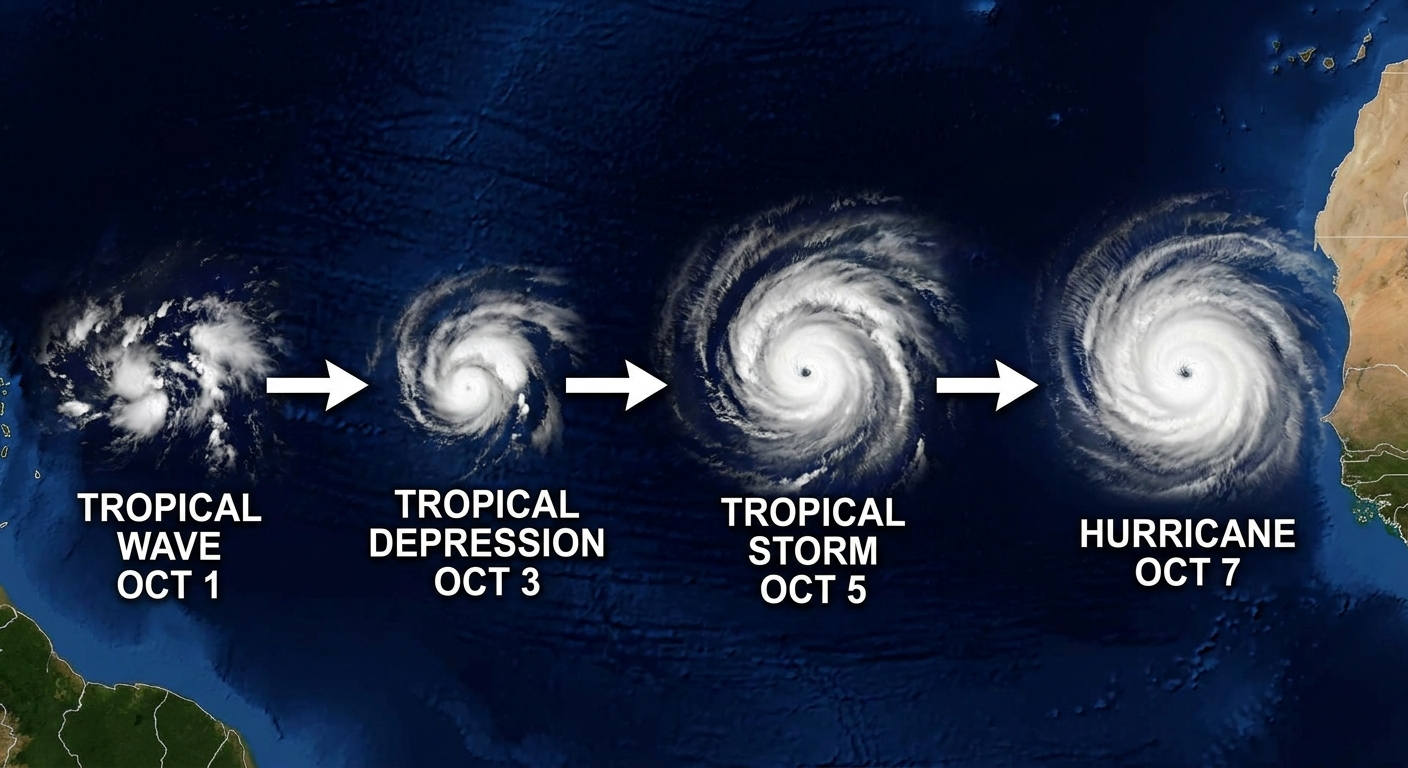
Set up your screens. Learn the tools. Watch the waves roll off Africa and the storms spin up in the Gulf.
But as you revel in the swirling cloud tops and tightening eyes, remember: every pixel of that beauty can translate into broken lives on the ground.
Track like a storm chaser. Care like a neighbor.